

 WS Kate
 Weshare Power Bank




Where to Check the Battery Level of Power Banks in Shared Charging Cabinets?
Consumer Guide: Checking the LED Indicator on the Power Bank
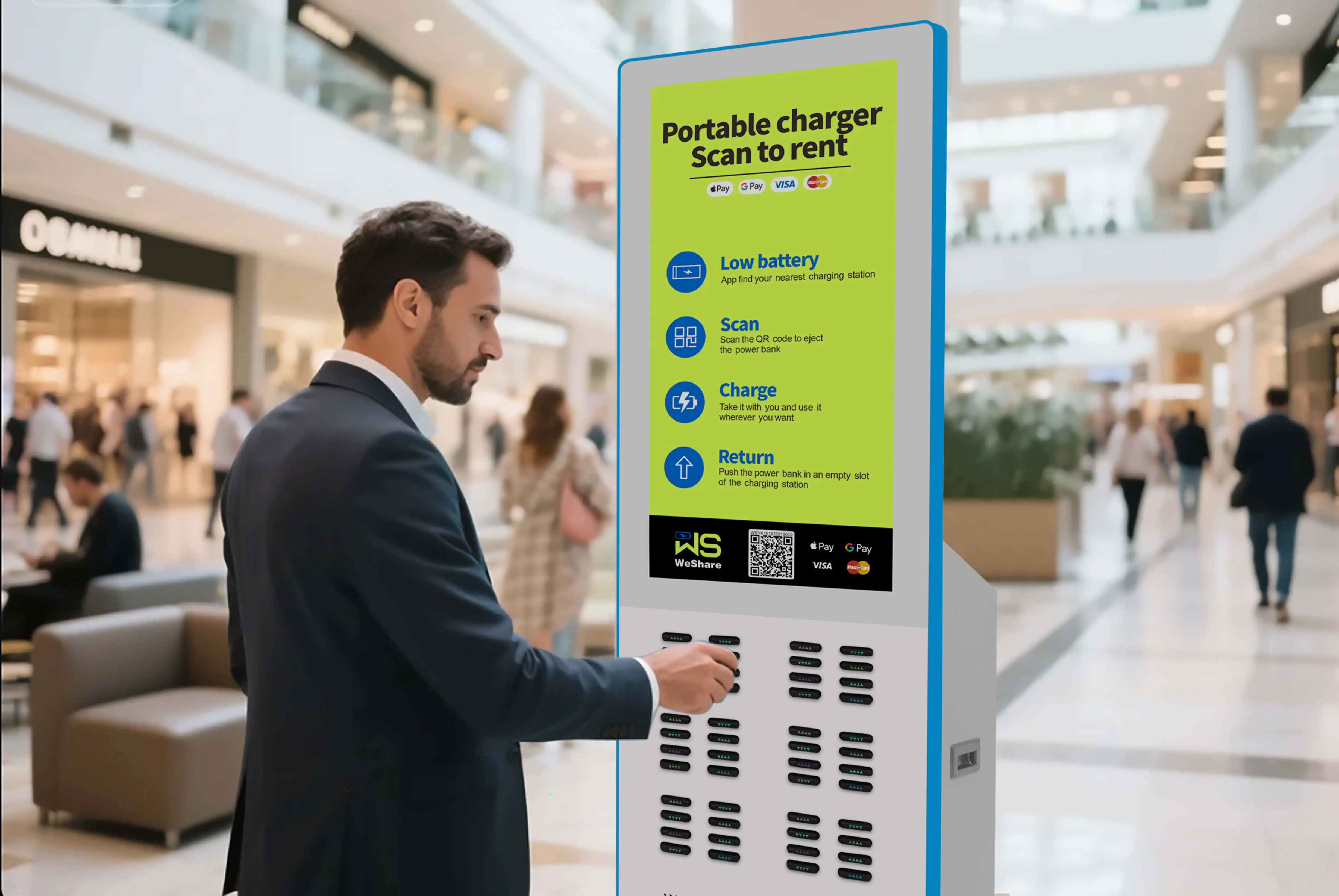
As a consumer, you only need to check the LED indicator lights usually located at the bottom of the power bank, often called the "battery indicator lights." Typically, there are 4 LED lights on the power bank, each representing approximately 25% of the battery capacity:
- 1 LED light on = about 25% battery remaining
- 2 LED lights on = about 50% battery remaining
- 3 LED lights on = about 75% battery remaining
- 4 LED lights on = fully charged, about 100%
1. Can the Battery Level Be Checked Through the Shared Charging Cabinet Backend System?
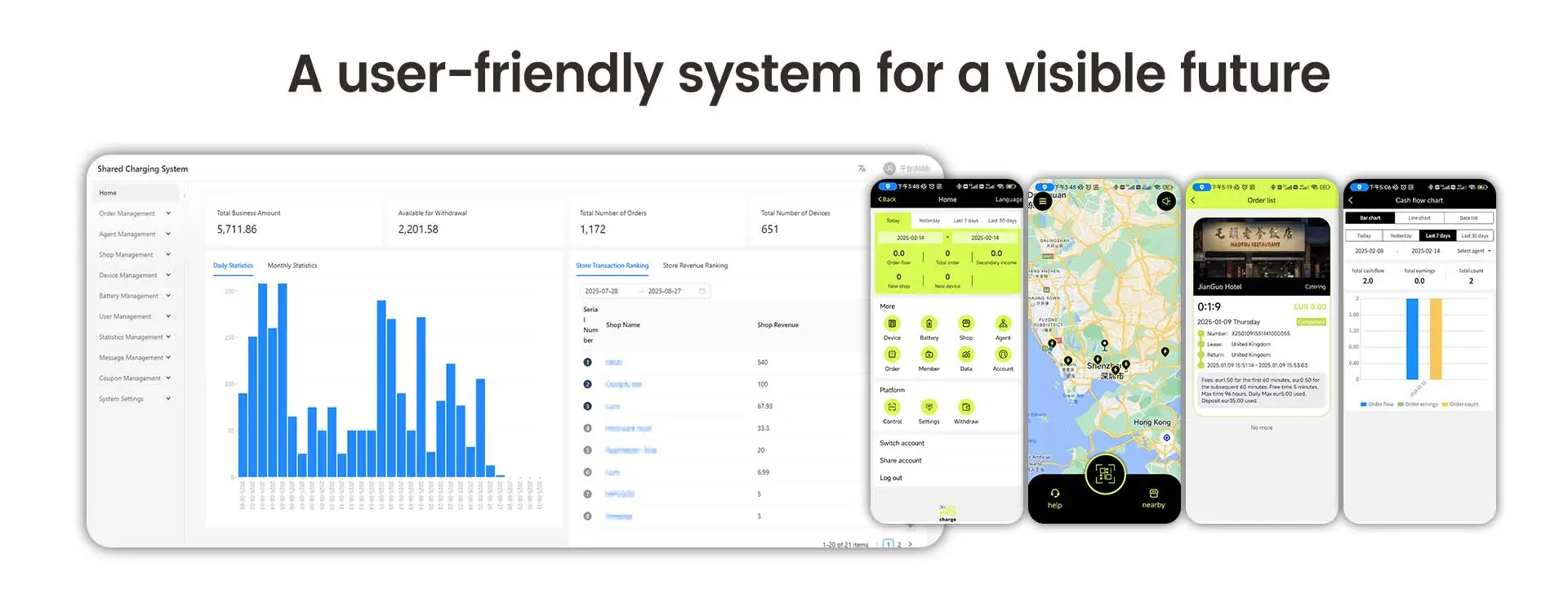
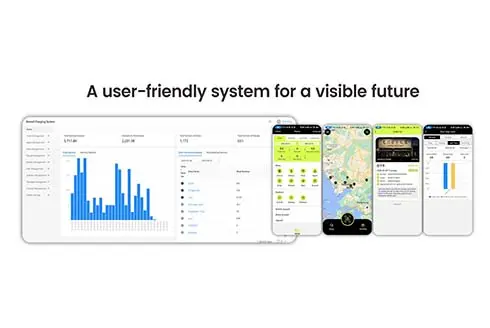
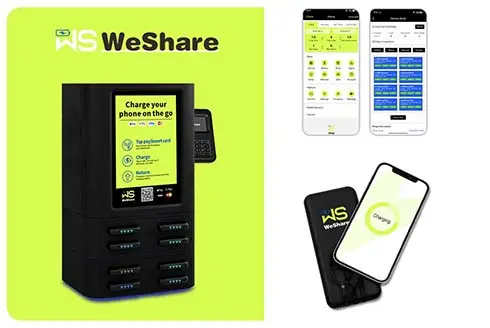
If you are the administrator of a Shared Charging Cabinet and want to remotely confirm whether the power banks inside are fully charged, the Weshare management application is your ideal choice. This application allows you to:
- Monitor the battery level of each power bank in real time without manually checking each one.
- Track other critical data such as the power bank's temperature to prevent overheating risks.
- Monitor device status, e.g., normal operation or faults.
2. Need More Details About the Shared Charging Cabinet Backend System?
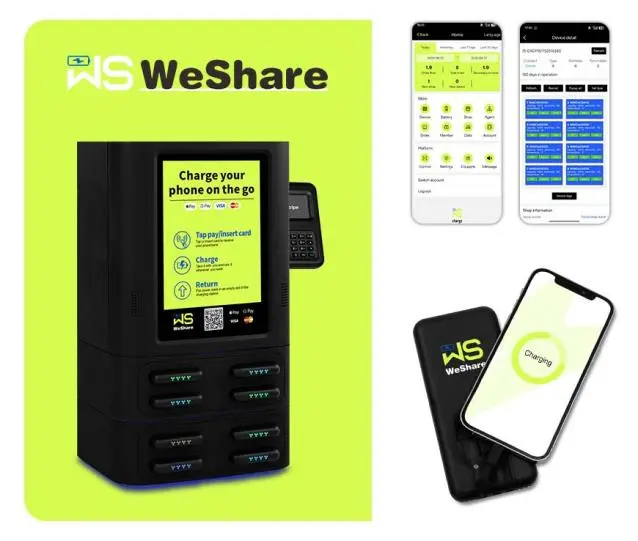
If you have any questions about the backend management system of shared charging cabinets, such as remote device control or usage data analysis, please feel free to contact Weshare for detailed consultation. Our team will provide customized support to meet your operational needs.